Describe your idea
What should your device do? Who is it for? Discuss features, dimensions, and constraints with AI.
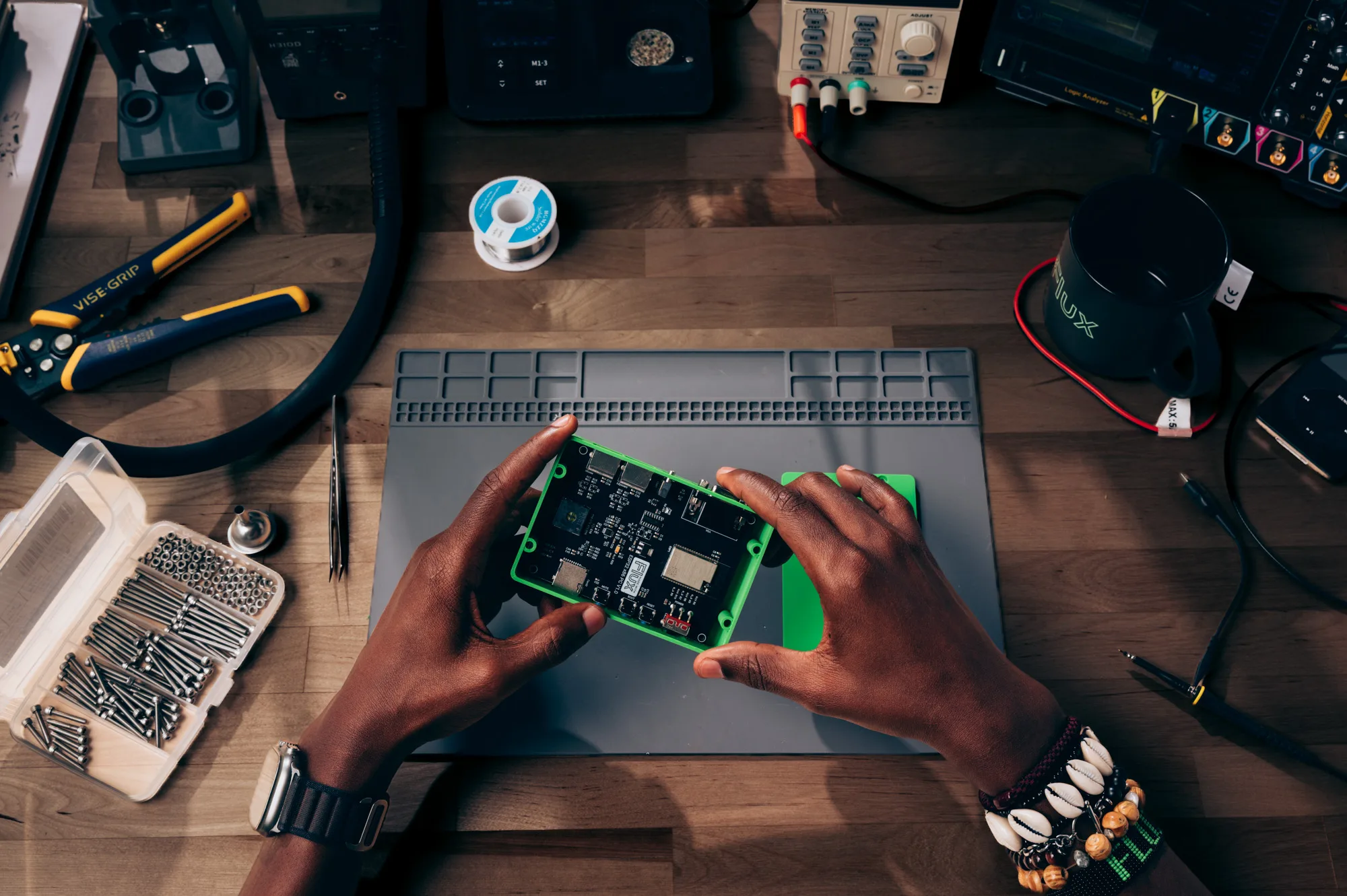
YOUR AI HARDWARE ENGINEER
From an idea in chat to a schematic, enclosure, and prototype.
Welcome to your hardware workshop.
FROM IDEA TO PROTOTYPE
You don’t need a blueprint to begin.
Start with the problem your device should solve.
What should your device do? Who is it for? Discuss features, dimensions, and constraints with AI.
Choose components, refine your schematic, and adjust the enclosure using everyday language.
Keep schematics, models, and documents alongside your chat. Review your files and prepare to build a prototype.
LESS SWITCHING. MORE CREATING.
The conversation on the left. Your design on the right.
Everything your device needs,
in one workspace.
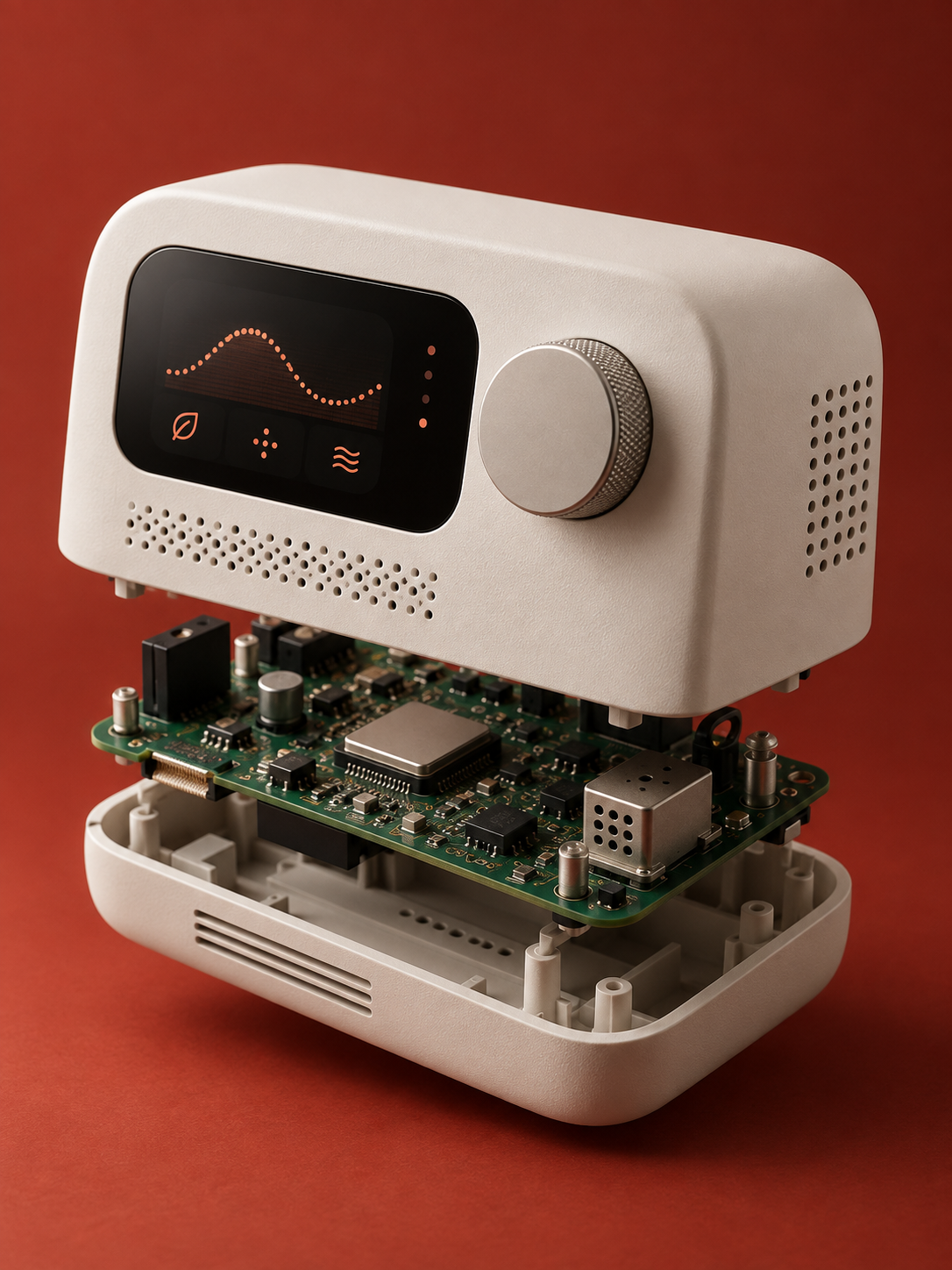 AIR / 01 VISUAL CONCEPTAn idea takes shape
DEVICE ARCHITECTURE
Example block diagram. The electrical schematic requires calculations and engineering review.
BILL OF MATERIALS
| Component | Purpose | Qty. |
|---|---|---|
| ESP32-C3 | Controller | 1 |
| SCD41 | CO₂, temp., humidity | 1 |
| 1.3″ OLED | Display | 1 |
| Encoder | Input control | 1 |
| USB-C | Power | 1 |
A starting point for discussion. Final component choices depend on your project requirements.
GOOD QUESTIONS. CLEAR ANSWERS.
Sensors, controllers, smart home devices, desktop gadgets, and other electronic hardware. Describe what you want to build, then work through the electronics, enclosure, and documentation.
An idea is enough to start the conversation. FoxyCAD helps you define requirements and explore solutions. Building and testing electronics takes engineering knowledge or support from a specialist.
Your project keeps the conversation and the files you create together. Depending on your task, you can work with KiCad schematics and boards, STEP models, PDFs, and written documentation.
First, review the schematic, verify calculations and component availability, and test a prototype. AI supports the design process; engineering review establishes whether it is ready for manufacturing.
In the current local version of FoxyCAD, your files and chat history are stored on your computer. AI features use your connected Codex account.