Let's chat about your idea
What should your device do? Who is it for? Discuss features, dimensions, and constraints with AI.

YOUR AI HARDWARE ENGINEER
From an idea in chat to a prototype in your hands.
Design the electronics and enclosure, create build files, and prepare your device for prototyping - all through conversation.
14-day free trial · €5 in AI credits · No card required
Explore plans & credits
FROM IDEA TO PROTOTYPE
You don’t need a blueprint to begin.
Start with the problem your device should solve.
What should your device do? Who is it for? Discuss features, dimensions, and constraints with AI.
Choose components, refine your schematic, and adjust the enclosure using everyday language.
Keep schematics, models, and documents alongside your chat. Review your files and prepare to build a prototype.
LESS SWITCHING. MORE CREATING.
The conversation on the left. Your design on the right.
Everything your device needs,
in one workspace.
DEVICE ARCHITECTURE
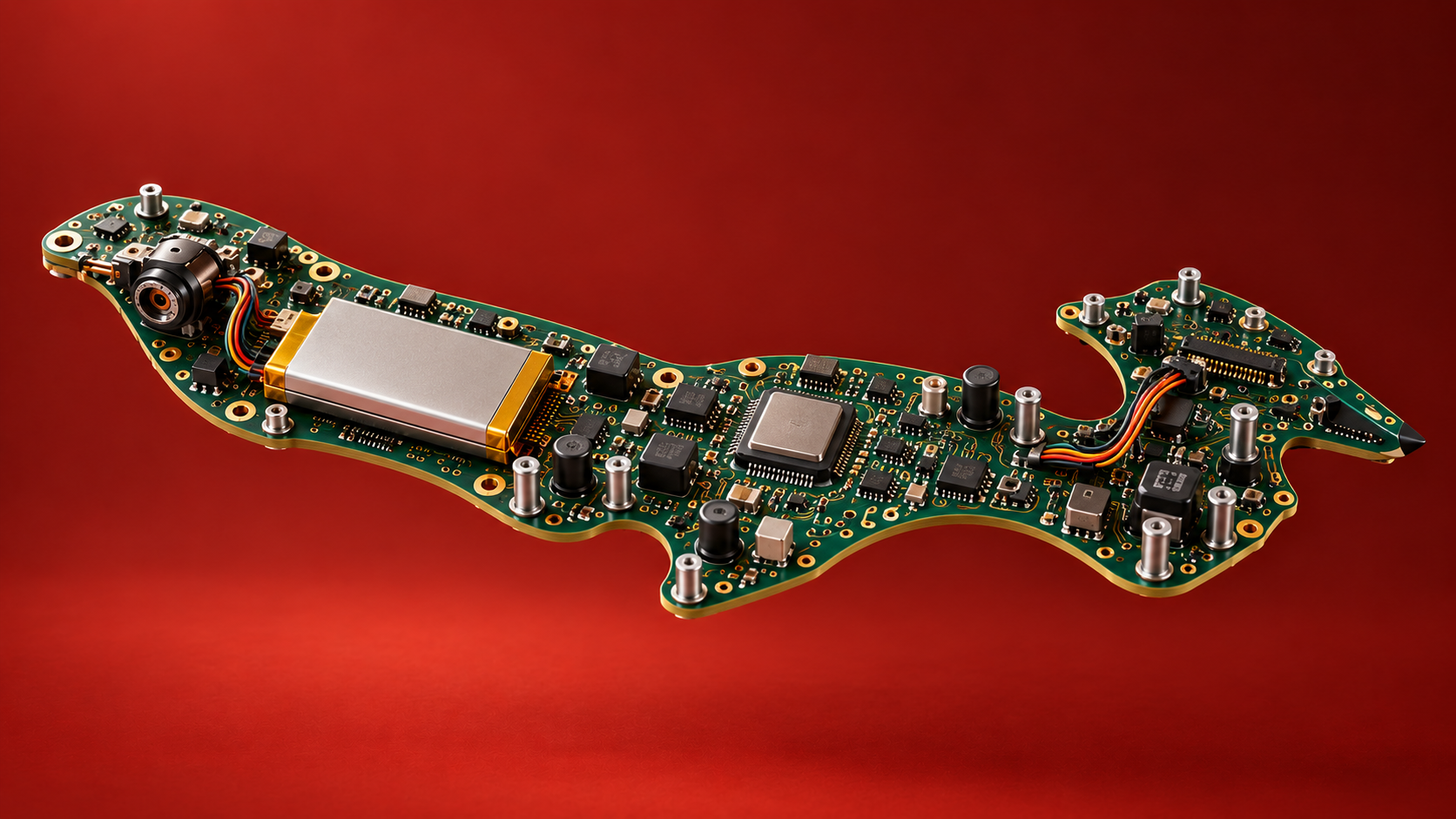
PCB visual concept. The electrical design requires calculations and engineering review.
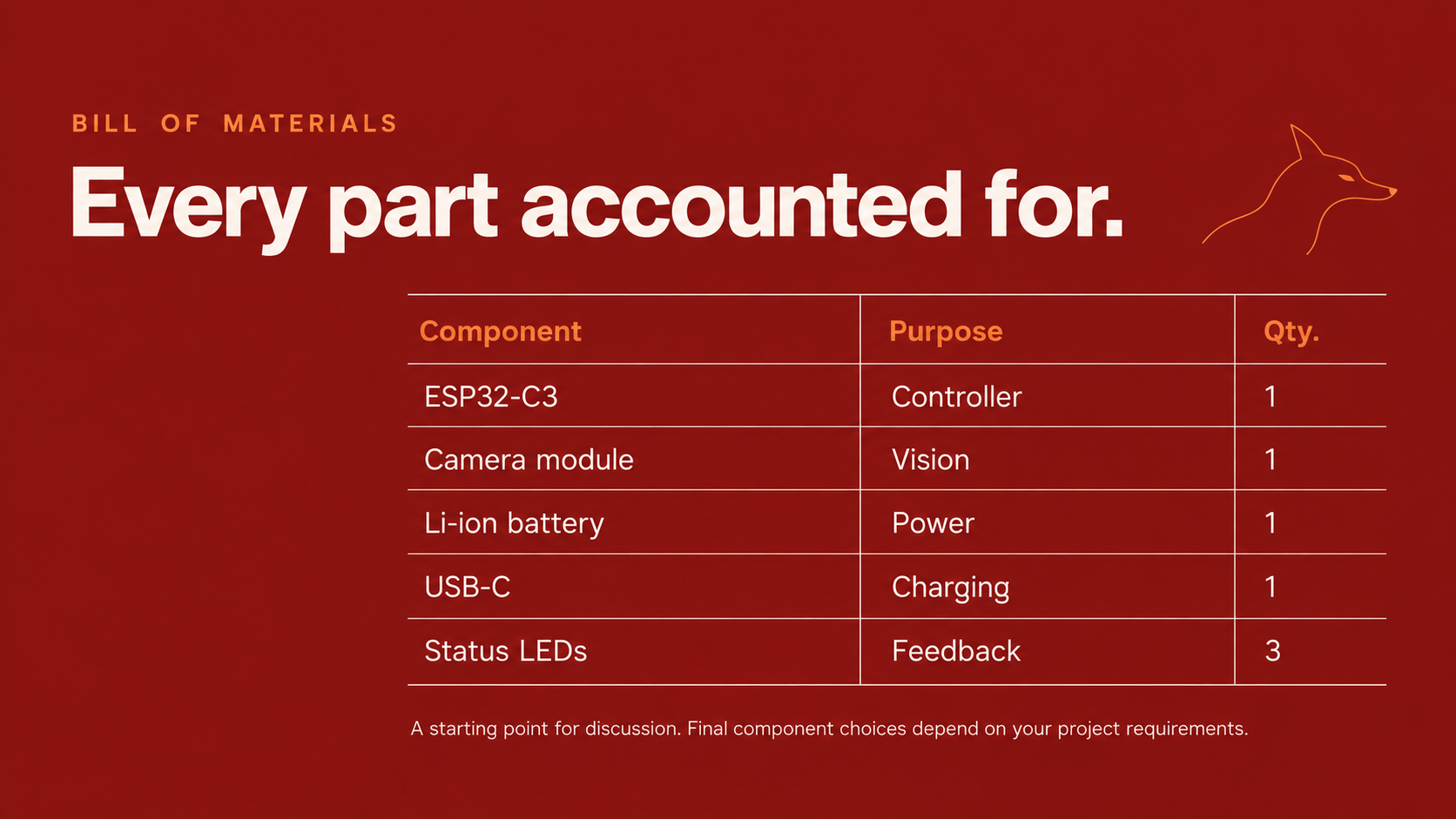
ENGINEERING PRACTICES
From measurable requirements to prototype reviews, every project receives engineering guidance, reference documents and a consistent file structure.
Explore the process and sourcesGOOD QUESTIONS. CLEAR ANSWERS.
Foxy works on requirements, architecture, electronics, enclosure, firmware and prototype documentation within one project. Every project receives stage instructions and reference guides. Managed KiCad DRC checks are available when the service is configured; other operations depend on the tools in the project environment. Missing tools and unfinished checks must stay visible.
The agent can create and revise files, use available tools and continue from saved state. You make consequential choices and provide hardware observations; independent reviewers and manufacturers have their own roles. Chat and file logs show parts of this work, but Foxy does not yet measure every human intervention or promise an unattended result.
Projects keep editable sources, stable part IDs, revision records and check evidence. The workflow calls for build instructions, tool versions and release manifests. Files organizes electronics, mechanics, firmware, references, documentation and manufacturing packages. Existing project paths are preserved. This supports handoff, but is not a complete automatic replay system.
There is no validated universal complexity limit or published benchmark covering those classes. The workflow requires project-specific constraints and specialist checks. A successful simple-board example does not establish performance for high-speed, RF, precision analog or safety-critical designs.
The process asks for measurable requirements, calculations, review findings and evidence tied to the current design revision. Foxy checks registered files and report hashes for consistency; it does not independently prove that every report is correct. Clean DRC or a powered-on board does not prove electrical performance, reliability or certification. Physical claims need actual measurements.
These are covered in the design guidance where applicable, with assumptions and required checks recorded. DRC does not validate all of these effects. Specialist simulation, dimension checks and physical testing require the corresponding tools and evidence. Foxy does not currently provide a universal managed SI/PI/EMI/thermal verification pipeline.
The agent is instructed to record exact part numbers, packages, datasheet revisions and source sections, and to review pinouts and operating margins. BOM prices retain their source or remain unknown. Foxy does not yet have an independent verified component database or universal live-stock service; substitutions need a fresh impact review.
It can run the managed KiCad DRC service and other available project tools. Instructions require actual results, input revisions and separate evidence, and distinguish calculations, agent review, tool results and measurements. A managed SPICE loop and independent schematic review service are not currently included. A written PASS alone is not independent proof.
New accounts receive 2.5 ACU for 14 days, equivalent to €5 at the top-up rate. No card is required and no subscription starts automatically. AI work pauses when the trial ends or its credits run out; you can still view and download your files. See plans and credit packages.
Choose Explore (€50/month, 50 ACU), Build (€100/month, 150 ACU) or Pro (€250/month, 500 ACU) in the web app and pay through Stripe. Annual billing saves 20%; included credits renew monthly without rollover. Active Build and Pro subscribers can also buy 10, 25 or 50 ACU for €20, €50 or €100. See full pricing and terms.
Foxy shows available token-usage estimates and sourced BOM prices, including unknown prices. These are not an all-in quote: manufacturing, shipping, taxes, external services, testing and engineering time may add costs. There is no guaranteed project budget cap or full-project cost prediction. You can stop the agent and keep the files already created.
Foxy brings project files, built-in viewers, managed DRC, BOM, shared access, saved context and file history into one workspace. Its project instructions now include stage gates, reference guides and consistent output locations. We have not established a measured speed or quality advantage over a regular chat with equivalent tools.
Registered checks are tied to file hashes so changed inputs can invalidate old results. Repeatable file-consistency checks do not measure the accuracy of AI review. Foxy has no published false-positive or missed-error benchmark for that review. Ask for the specific finding, affected file, evidence and remaining action; independent review remains valuable.
Foxy provides authenticated access and project roles, but AI requests can involve external model processing. This is not a promise of offline operation, no-training terms or compatibility with your NDA or PDK license. Confirm the deployment, provider terms and your organization’s data requirements before uploading restricted material.
Saved project state, decisions, part IDs and interface records guide new and resumed tasks. The process requires an impact review when requirements, components or interfaces change. This reduces reliance on chat history, but incomplete dependency records and model mistakes are still possible. Older file paths are preserved rather than silently migrated.
Beginners can start with an idea and use the documents to understand decisions. Engineers can direct the work, inspect evidence and collaborate on the same project. Foxy supports engineering work; it does not guarantee expert judgment, job replacement or reduced review time. A dedicated teaching mode is not currently included.
Use the prototype-package review first: reconcile sources, exports, BOM, placement, firmware and assembly instructions, and resolve missing or failed checks. A prototype-order candidate describes recorded digital readiness, not a production-qualified design. Supplier acceptance, ordering, assembly and physical tests are separate steps. Foxy does not automatically place manufacturing orders.
Every project receives an evidence-led process and discipline guides informed by NASA systems engineering, Altium and Zonenberg PCB reviews, manufacturer guidance, KiCad library conventions, OSHWA documentation practices and Instrumental’s engineering-build guide. Explore the process, source links and descriptions. The agent is instructed to read the relevant guide on each new or resumed task.